
LinkedIn Summary Templates You Can Preview, Edit, Or Generate Yours With CVJury AI
Preview real LinkedIn summary styles, choose the one that fits your story, then generate your own headline and About section in CVJury App.

Use the Templates Without Starting Cold
Choose a direction, study a real LinkedIn example, then turn the structure into your own profile text.
Pick a style
Choose the profile angle that fits your career goal.
Preview a real LinkedIn example
Open the saved profile template and study the structure.
Generate your own profile text
Use CVJury App to turn the style into your headline and About section.
What You Can Build From These Templates
Use the examples as structure, then shape the final wording around your real role, proof, and career direction.
A clearer LinkedIn headline
Show your role, value, and direction faster.
A stronger About section
Turn your background into a profile people can understand.
A profile angle that fits your goal
Choose job seeker, graduate, founder, marketer, thought leader, or senior professional.
A draft you can edit before publishing
Generate in CVJury App, then refine before you update LinkedIn.
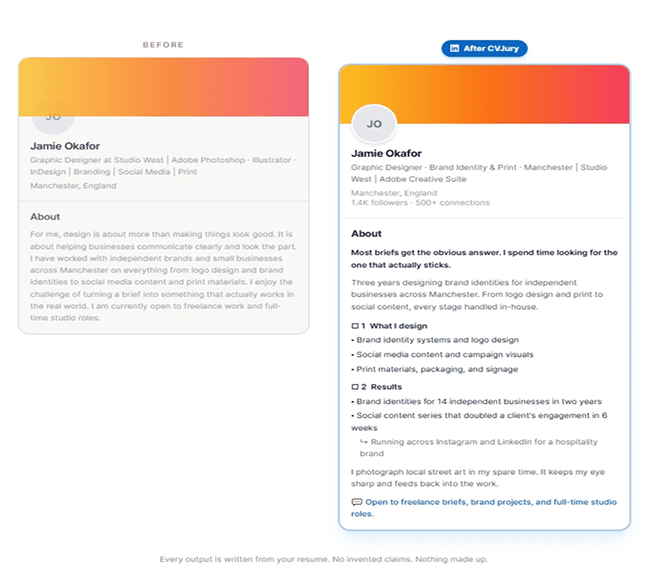
Same Person. Clearer LinkedIn Profile.
CVJury helps turn scattered profile text into clearer positioning, proof, and direction.
No invented claims. Nothing made up.
Browse LinkedIn Templates by Career Goal
Each style gives you a different way to shape your LinkedIn headline, About section, and profile story.
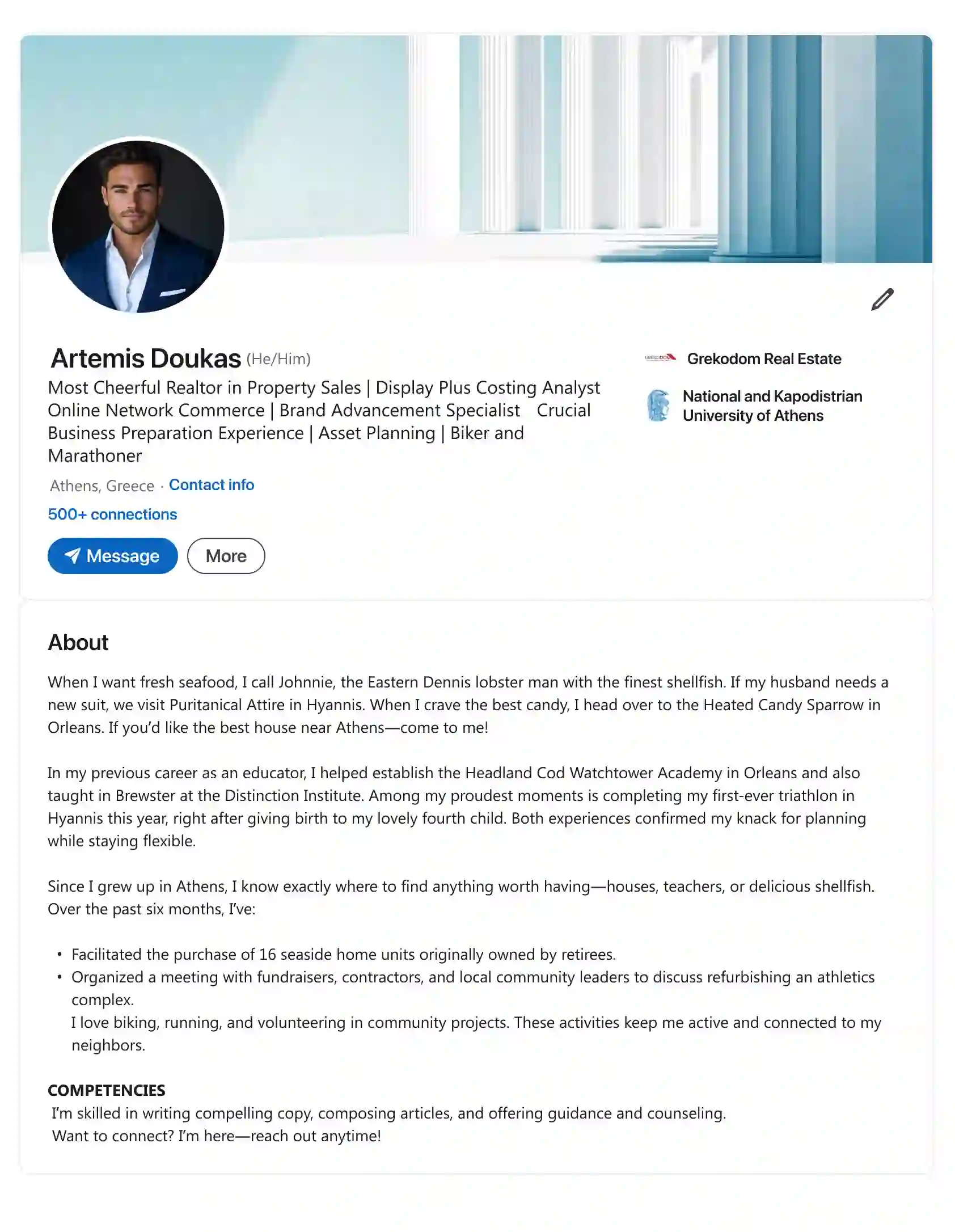
Artemis Doukas
Preview the saved LinkedIn template. Use the structure, then generate yours in CVJury.
Preview →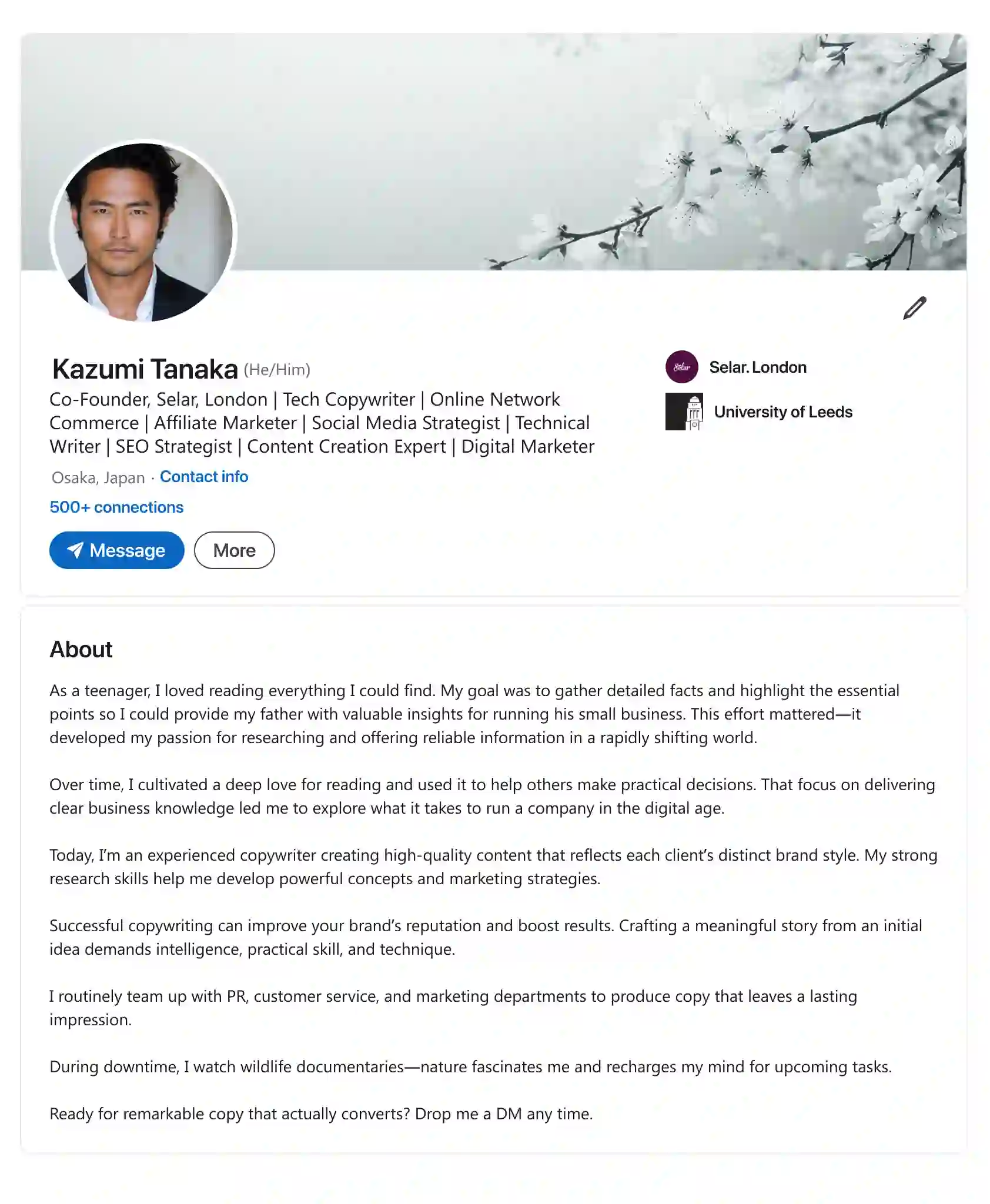
Kazumi Tanaka
Preview the saved LinkedIn template. Use the structure, then generate yours in CVJury.
Preview →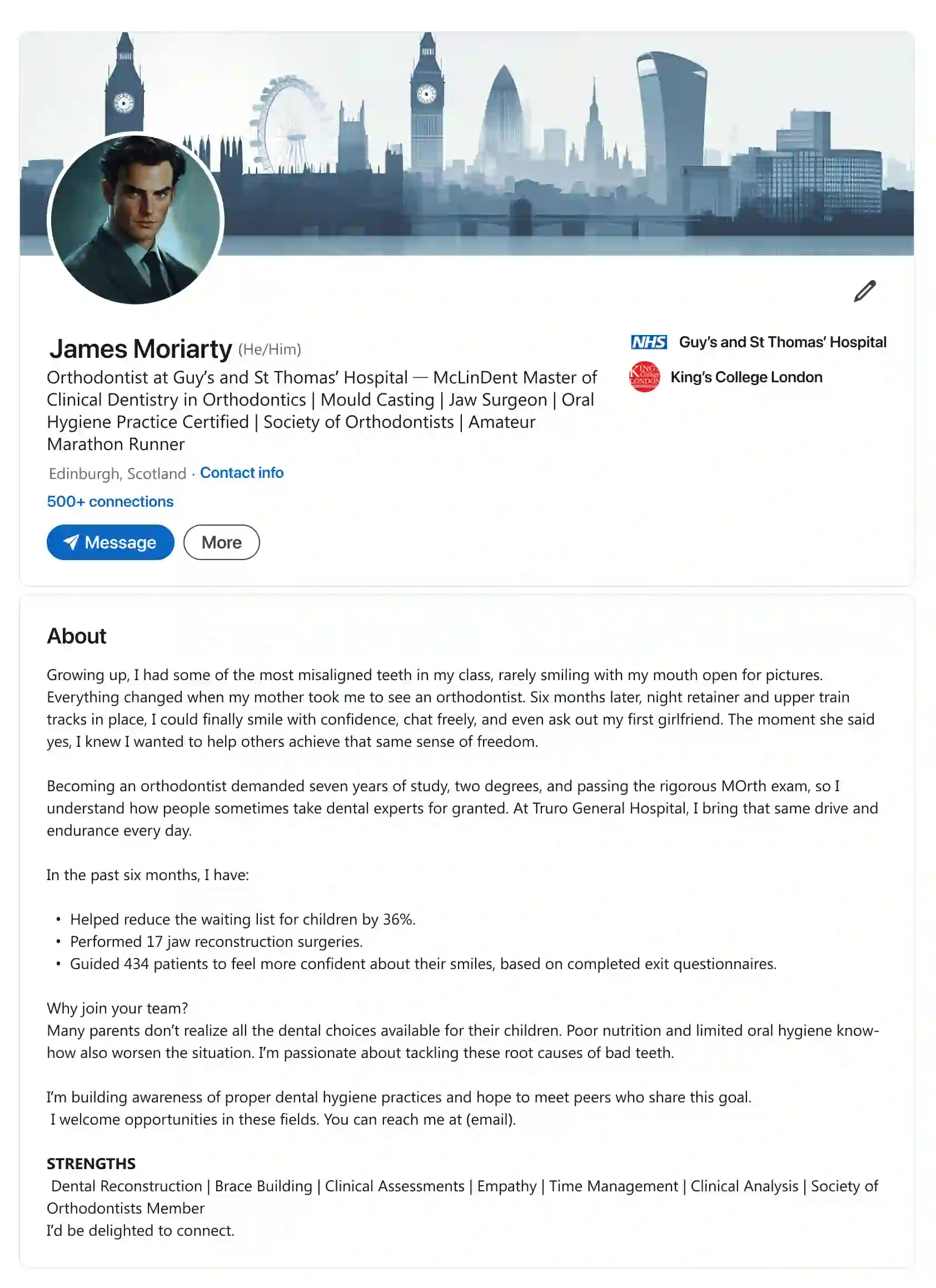
James Moriarty
Preview the saved LinkedIn template. Use the structure, then generate yours in CVJury.
Preview →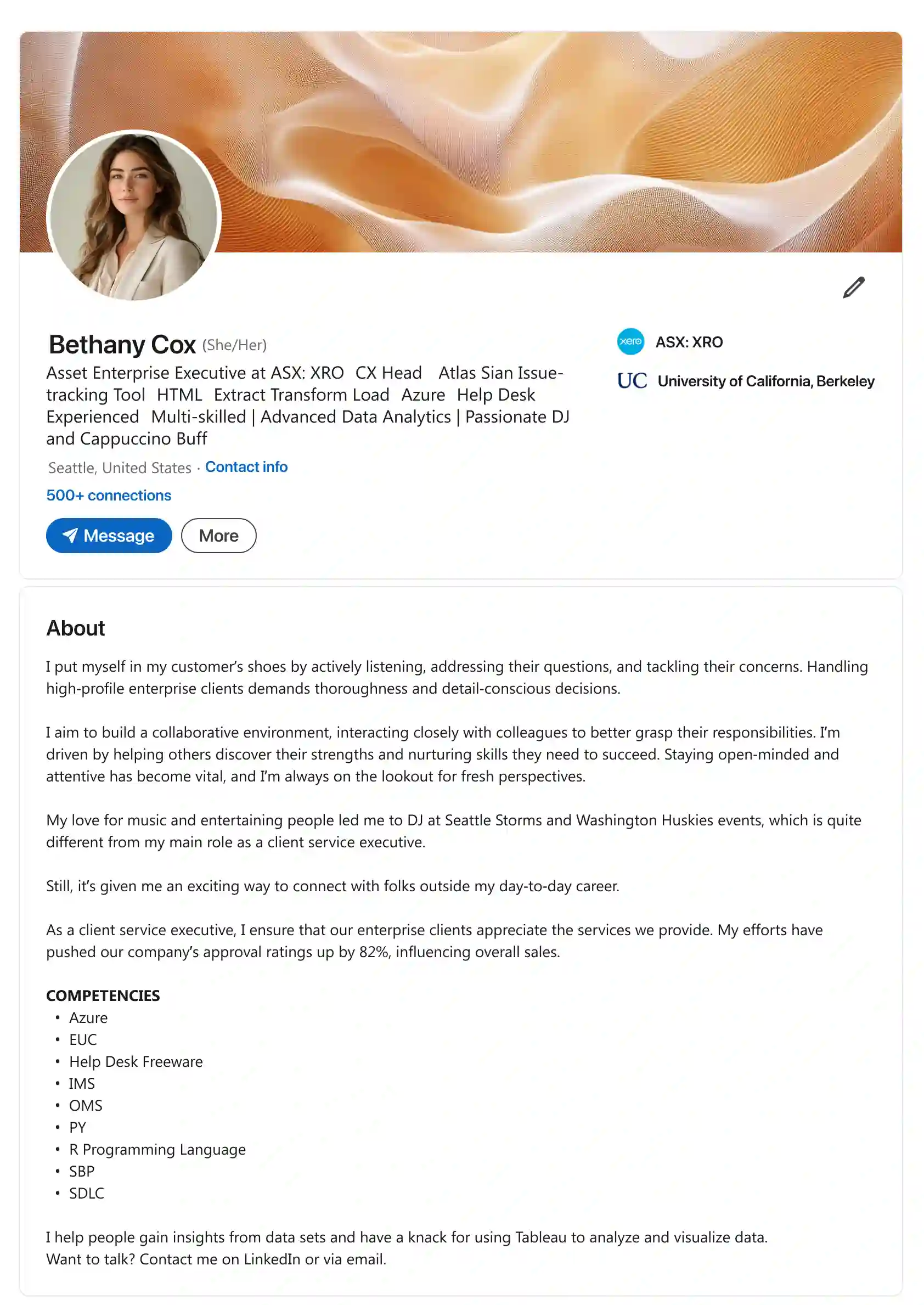
Bethany Cox
Preview the saved LinkedIn template. Use the structure, then generate yours in CVJury.
Preview →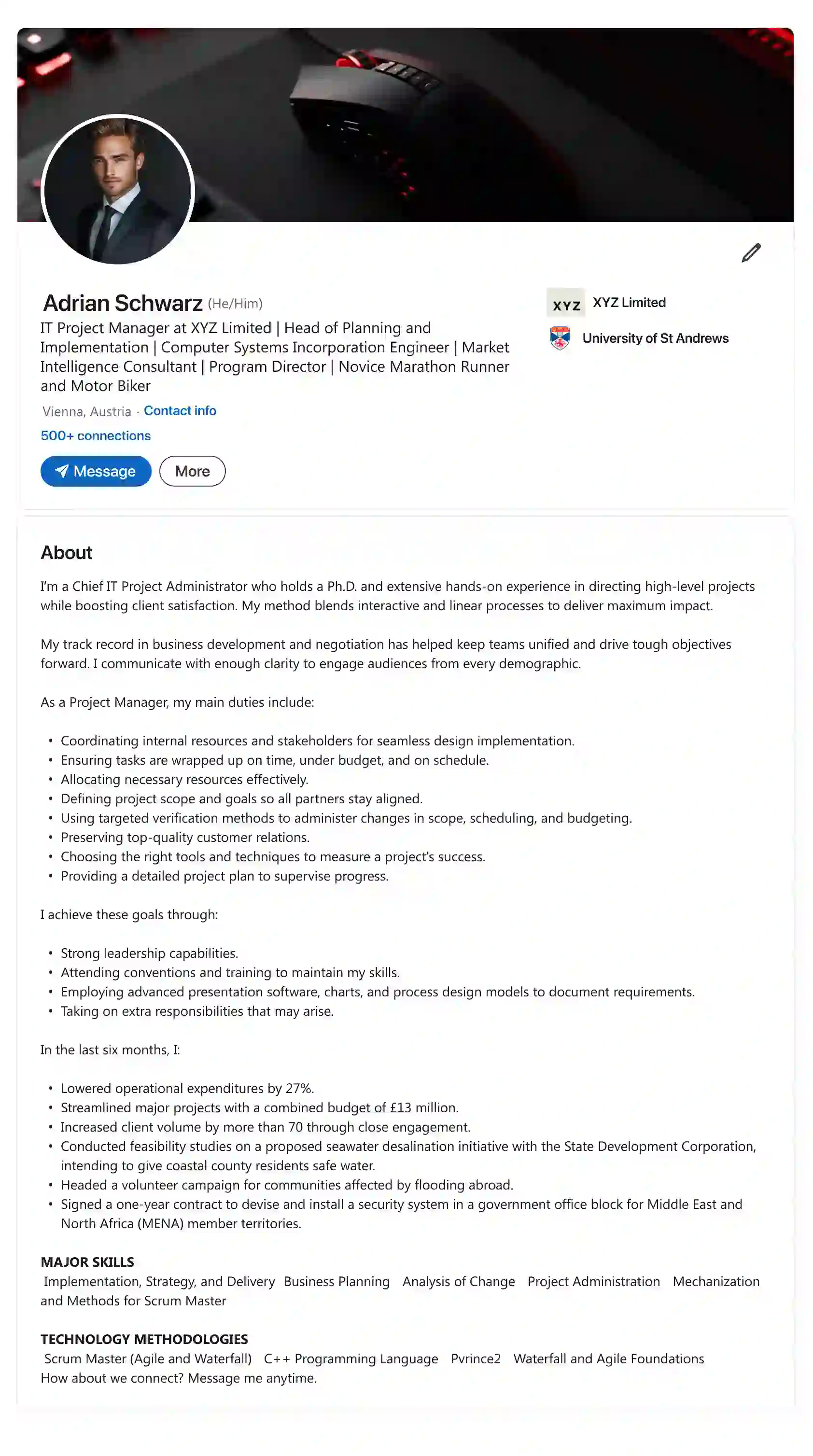
Adrian Schwarz
Preview the saved LinkedIn template. Use the structure, then generate yours in CVJury.
Preview →Pick A Template. Build Yours In CVJury App.
Choose a style, add your details, and generate a LinkedIn headline and About section you can edit before publishing.
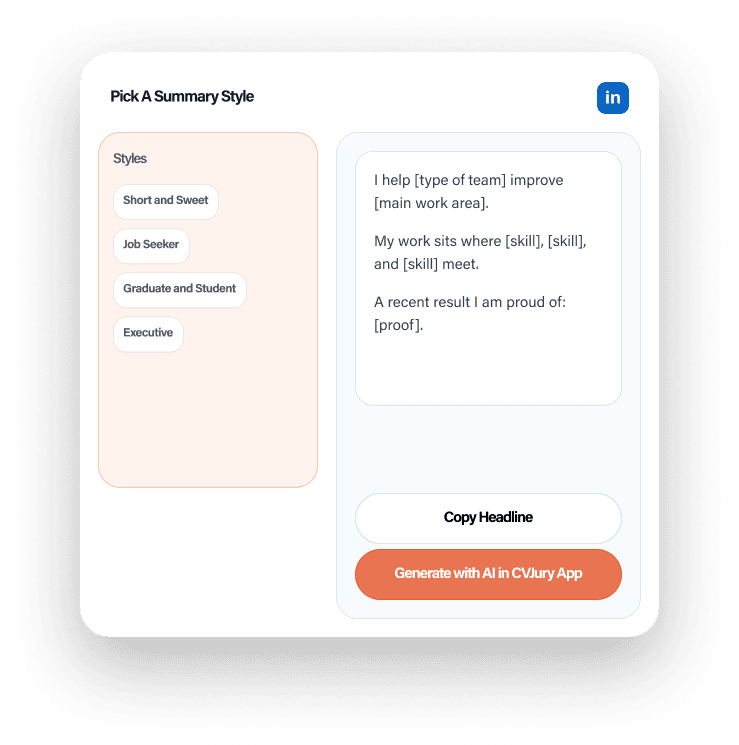
Stop Writing Your LinkedIn Summary From Scratch
Most LinkedIn summaries fail because they have no angle. They list facts, miss proof, or sound like everyone else.

Find your profile angle
Job seeker, graduate, founder, marketer, leader, or storyteller.

Use stronger structure
Open with purpose, proof, skills, and direction.

Move into the editor
Preview the style, then build your version in CVJury.
LinkedIn Summary Questions, Answered Clearly
Answers for the blockers people hit before writing, editing, or generating a LinkedIn profile.
Choose A Template. Make It Yours.
Browse the templates. Pick the style that fits your story. Then generate a stronger LinkedIn profile inside CVJury.
4.9/5 on Google
Trusted by job seekers
Our writers are CPRW-certified and BACVW members.