Free CV Templates For Word, Google Docs, And Online Editing
Pick a professional CV template, download it as a Word file, open it in Google Docs, or build your CV inside CVJury. You can build and preview for free, then pay only when you download.
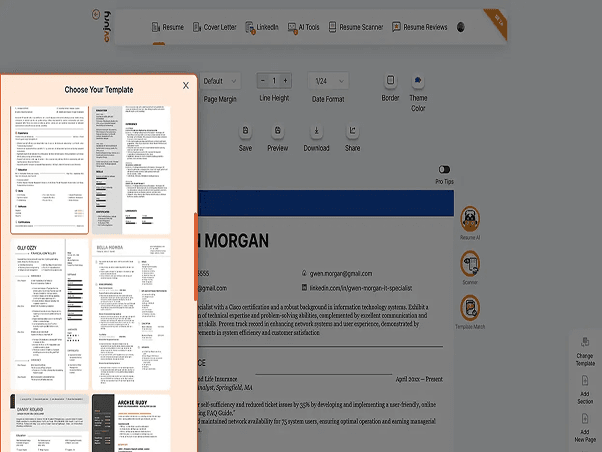
Template Picker
Choose a layout that already has structure.
Build Online
Edit your CV inside CVJury when you need more help.
Word or Google Docs
Use the download menu when you want a file.
Choose A CV Template That Fits Your Next Application
Preview a template and download it as an image for reference, or build your CV straight in CVJury and export it when you're done.
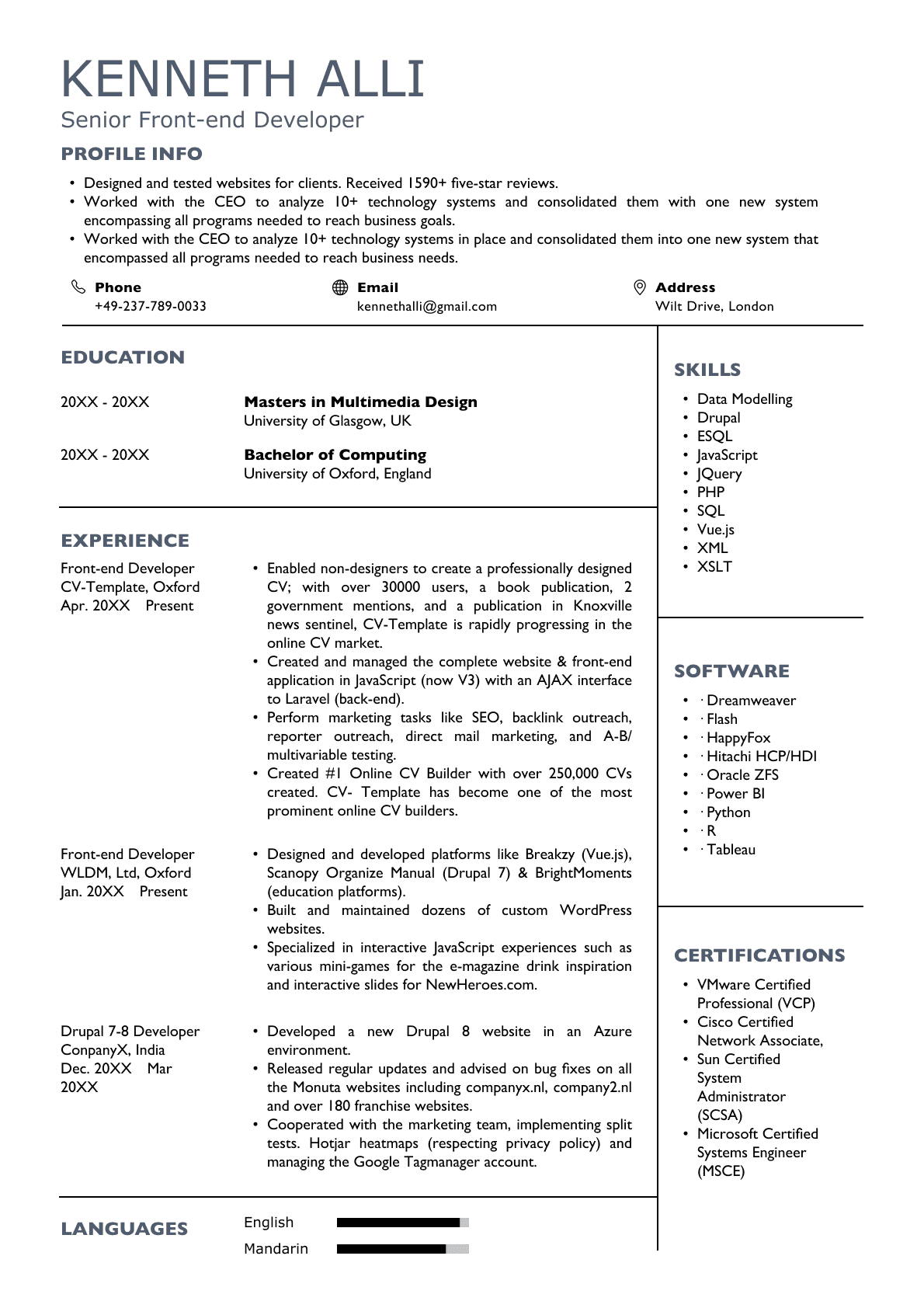
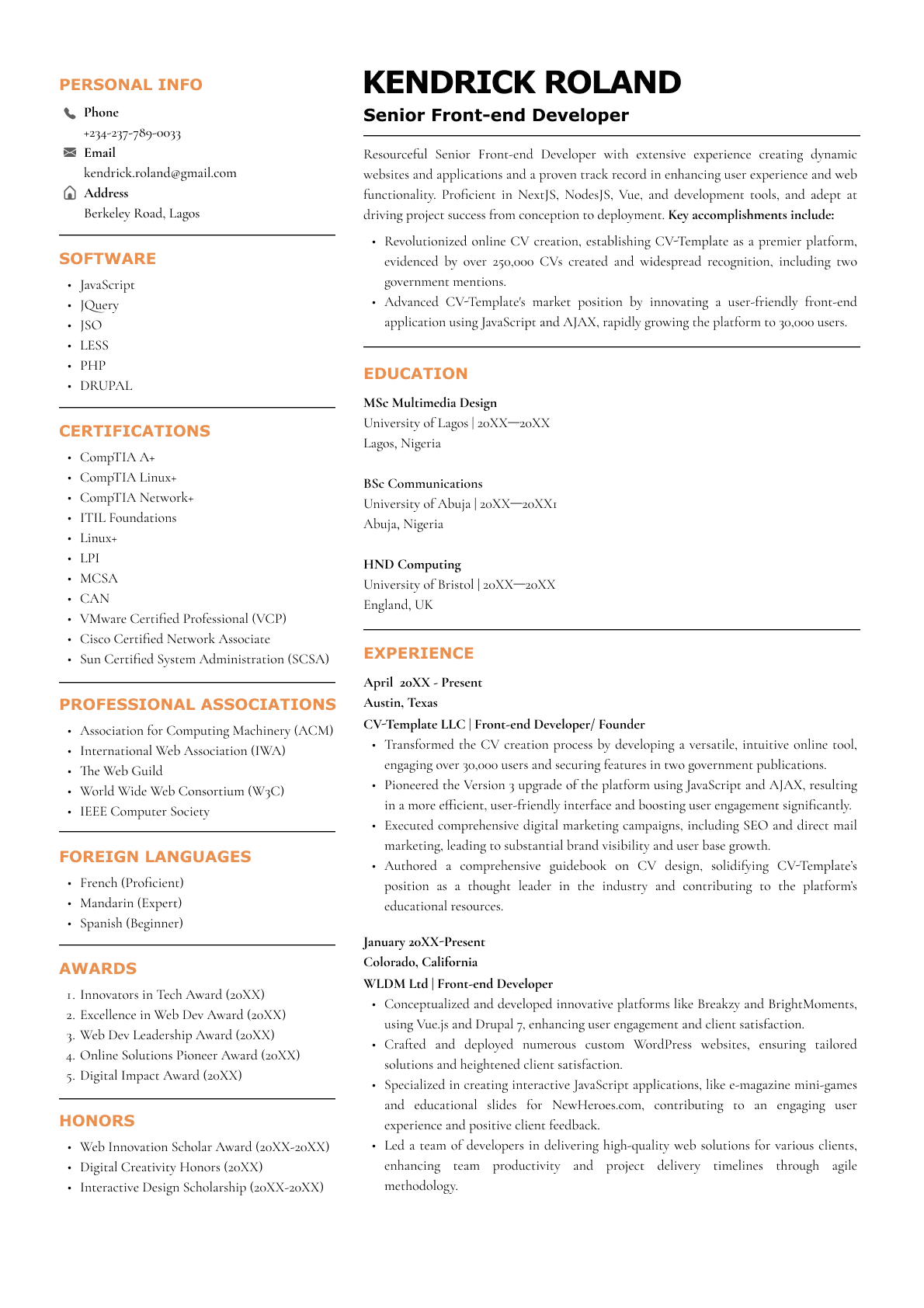
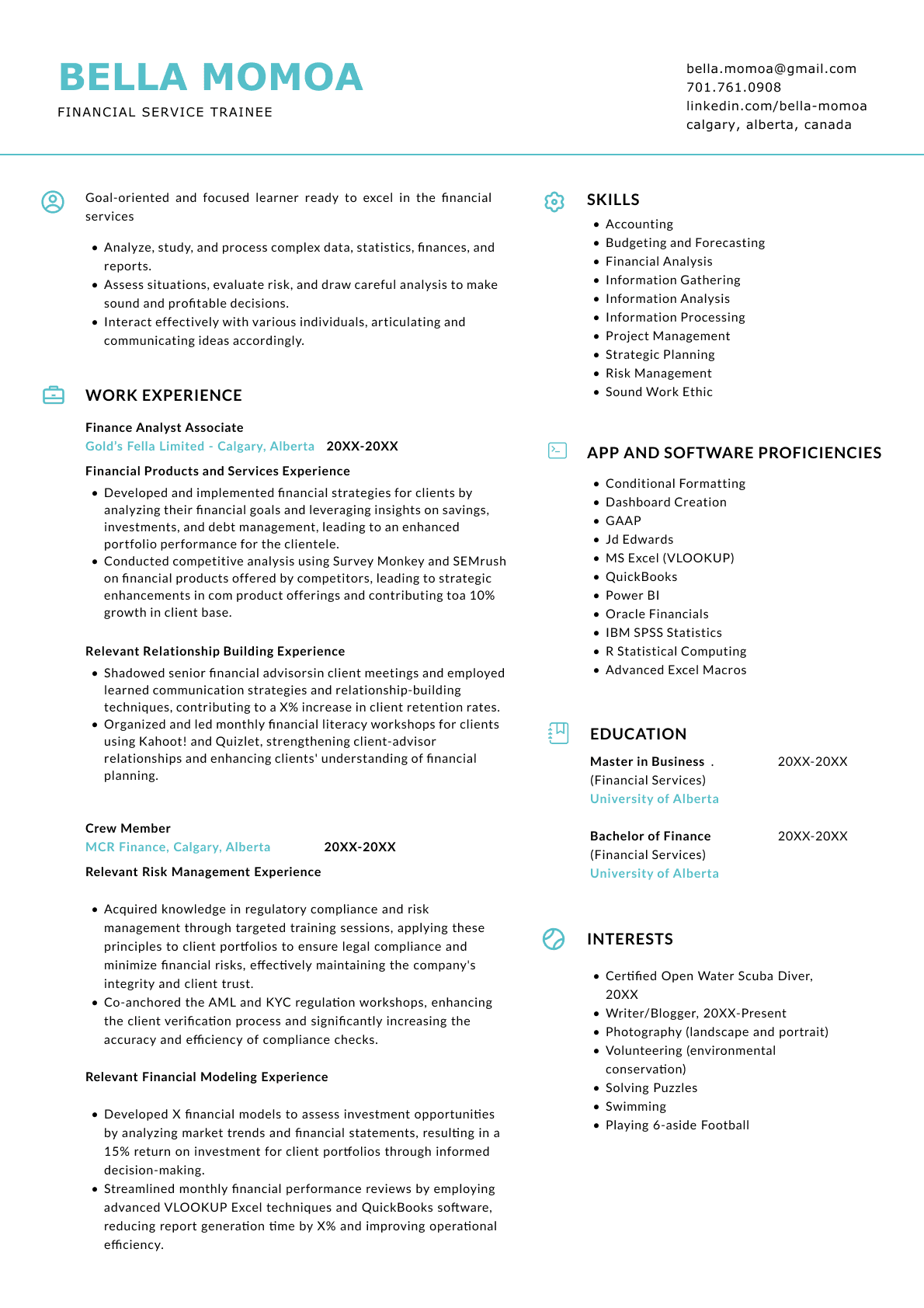
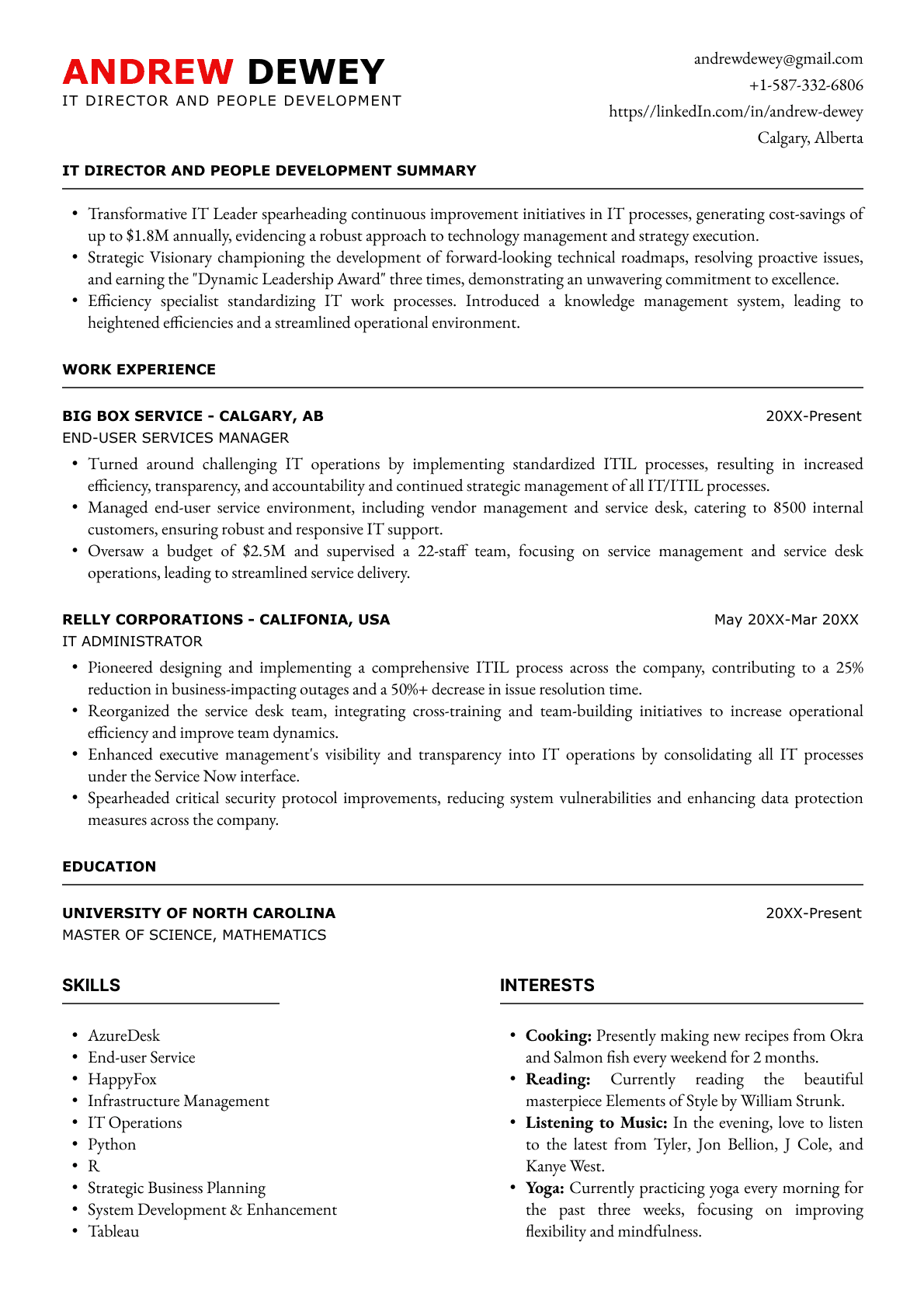
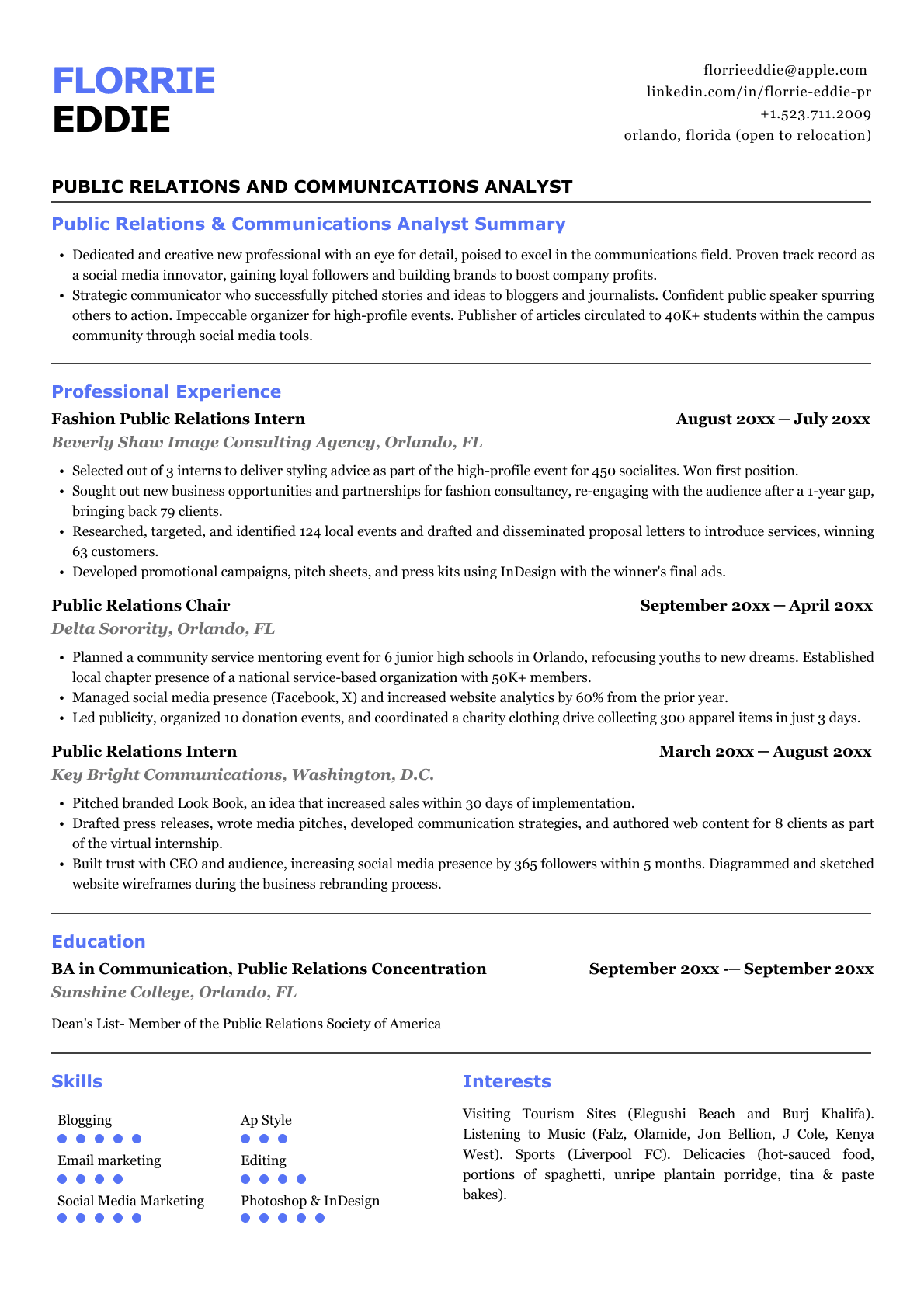
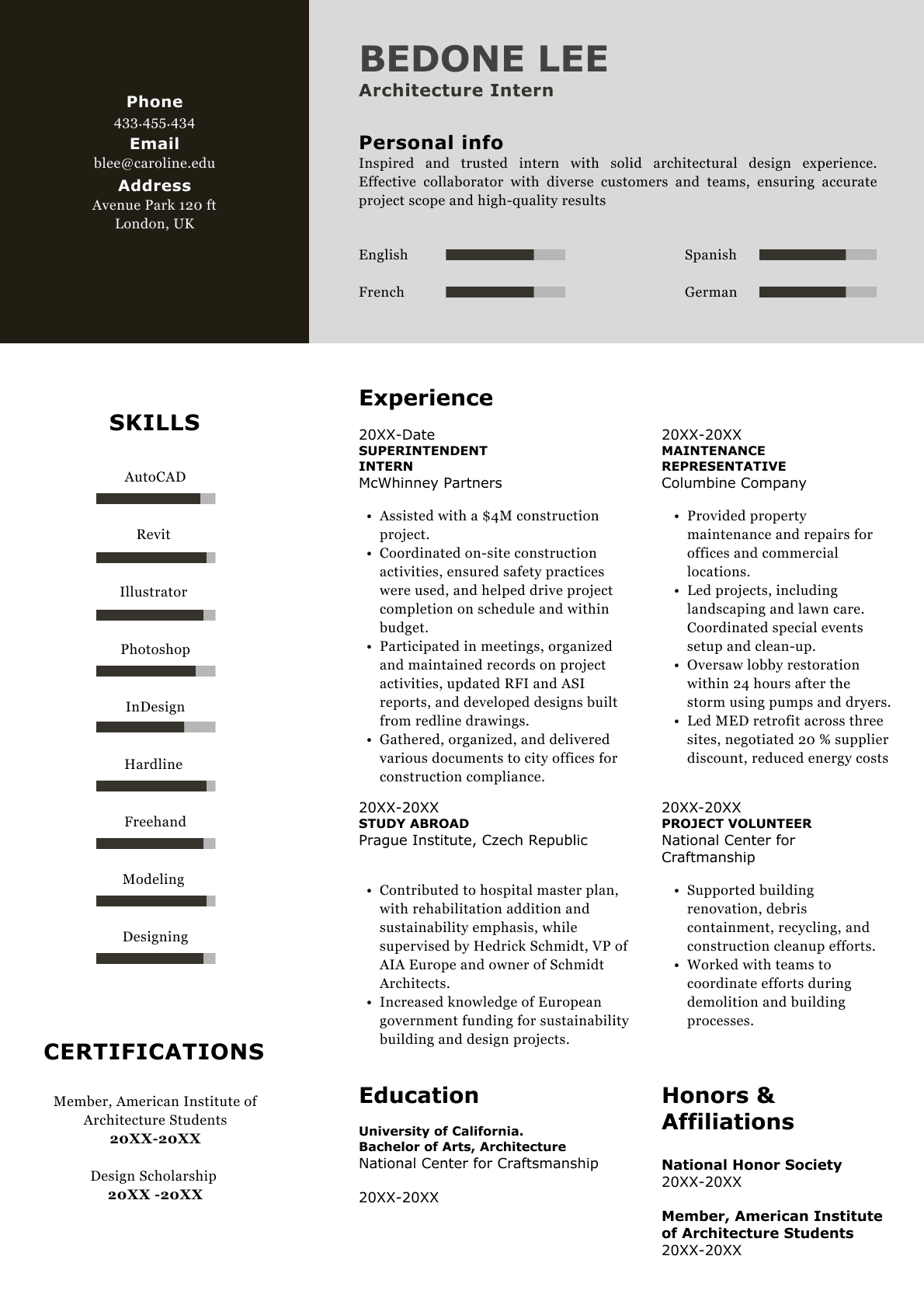
Pick The CV Format That Fits Your Situation
Different CV layouts work better for different job seekers. Choose the format that makes your strongest experience, skills, and proof easiest to find.
Best for modern CVs
Amara Hughes
Marketing Assistant
Profile
Experience
Use this when you want skills, contact details, tools, or certifications easy to see without crowding the main work history.
Not sure where to start?
Choose a template first, then adjust the format inside CVJury.
Three Simple Ways To Use A CV Template
Pick the route that matches how much help you want.
Download a template
Best when you already know what to write and just need a clean CV layout.
- Word file option
- Google Docs option
- Fast route from template to draft
Build and edit online
Best when you want prompts, section control, and a live preview while you write.
- Pick a template
- Edit your sections
- Preview before download
Get expert CV review
Best when you already have a CV and want stronger wording, structure, and proof.
- Human feedback
- Sharper presentation
- Useful before applying
Edit Your CV Online When You Want More Guidance
Use the builder when you want to change the layout, improve sections, and download a polished version later.
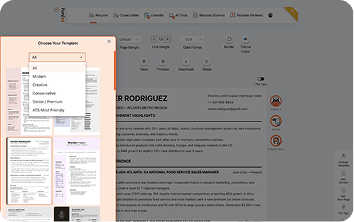
Choose a template first
Pick a layout, preview the structure, and start from a clean CV format instead of a blank page.
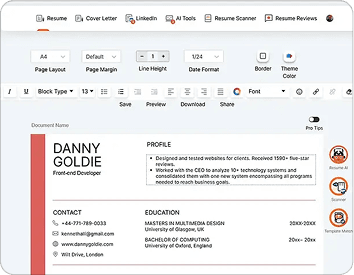
Edit inside the builder
Adjust sections, wording, spacing, and layout while your CV stays visible on the screen.
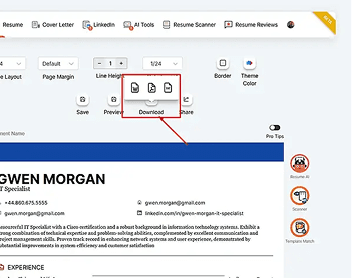
Download what you need
Export your CV when it is ready, with common file options shown inside the app.
Why use CVJury instead of starting from a blank Word file?
A blank file can slow you down. A CV template gives you structure from the start, so you spend less time fixing spacing and more time showing useful proof.
Start with structure
Use a layout that already has the right sections and spacing.
Choose your file route
Use Word, Google Docs, or the online builder depending on what you need.
Keep it easy to scan
Clear headings and spacing help the reader find your strengths faster.
Edit when needed
Update sections later instead of rebuilding your CV from scratch.
Start With A Template. Keep Working When You Need To.
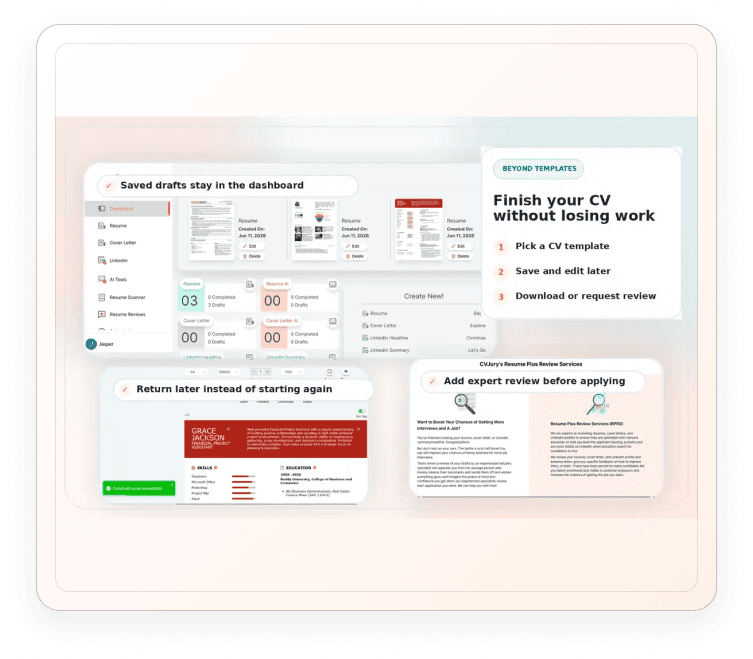
A CV template gives you a strong first layout. CVJury also helps you save your draft, return later, create nearby documents, and request expert review before you apply.
Save your CV draft
Build from a template, then keep your CV in your dashboard so you can edit it again.
Add support documents
Work on cover letters and LinkedIn content when the application needs more than a CV.
Review before applying
Use scanner checks or expert review support when your CV needs a stronger final check.
Get Expert Eyes On Your CV Before You Apply
Use this path when you already have a CV, but want sharper wording, a clearer structure, and stronger proof before you send it.
Best when your CV already has content
Keep what is useful, then improve the wording, layout, and order so your strongest points are easier to see.
Check the support before you choose
Review the service options, examples, testimonials, and package details before deciding what level of help you need.
Know whether to build or get feedback
Use the builder when you want to do it yourself. Use expert review when your CV needs a second pair of eyes.
CV Template Questions, Answered
Quick answers before you choose a template.
Choose a CV template and finish faster
Download a template, open it in Google Docs, or build your CV online with CVJury.
4.9/5 on Google
Trusted by job seekers
Resumes created or reviewed
Practical support for job seekers
Our writers are CPRW-certified and BACVW members