
Build A LinkedIn Profile That Sounds Clear, Sharp, And Ready To Use
Create your LinkedIn headline, summary, About section, and profile story inside CVJury. Start with your resume, choose the direction you want, then shape the words people see first.
Your LinkedIn Profile Should Match The Career Story You Want To Tell
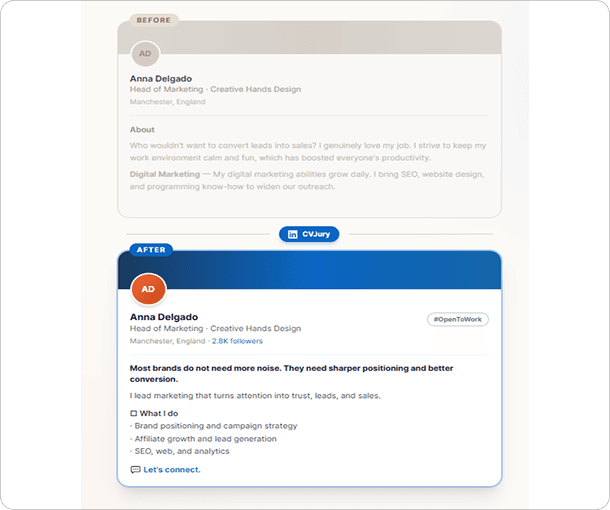
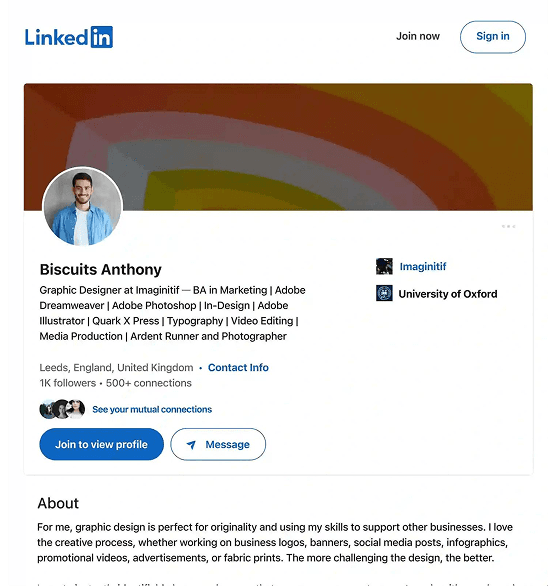
Your resume may show the facts. But your LinkedIn profile has to help people understand who you are, what you do, what you have done, and where you are going next.
That is where many profiles go weak. The headline says too little. The summary sounds generic. The experience section repeats the resume without adding a clear story.
Start My LinkedIn Profile →Build the LinkedIn Sections People Notice First
Use CVJury to work on the parts of your LinkedIn profile that shape the first impression.
LinkedIn Headline
Write a headline that tells people what you do, what you bring, and the direction you want.
LinkedIn Summary
Create an About section that explains your background, strengths, and value without sounding stiff.
Work Experience Copy
Turn role details into profile copy that is easier to scan and better connected to your target role.
Profile Review
Use expert support if you want a second check before updating your profile.
Choose The LinkedIn Story That Fits Your Goal
Not every LinkedIn profile should sound the same. Start with the narrative style closest to your situation. Then tailor the wording in CVJury so your profile still sounds like you.

For a clean profile that gets to the point quickly.
Busy professionals, simple career paths, and users who want a short About section.

For users who want LinkedIn to support active job applications.
Helps connect your resume, target role, skills, and profile story.

For people who want values, purpose, and direction to come through.
Useful for public sector, nonprofit, purpose-led, and career-change profiles.

For early-career profiles built from education, projects, and potential.
Best for students, recent graduates, internship seekers, and first-job applicants.

For users with strong results, wins, awards, or measurable proof.
Best when your profile needs clear evidence of value.

For users who need stronger positioning, brand value, and audience fit.
Best for marketing, content, growth, social, and brand professionals.
Build Your LinkedIn Profile in Four Simple Steps
Add your resume or career details
Start with your current resume, profile notes, job target, or career background.
Choose your LinkedIn goal
Pick a job-search, graduate, career-change, senior, or business-facing direction.
Generate and edit your profile copy
Work on your headline, summary, About section, and experience wording.
Review before you publish
Check clarity, tone, role fit, and alignment with your resume.
Write A Headline That Tells People What You Do
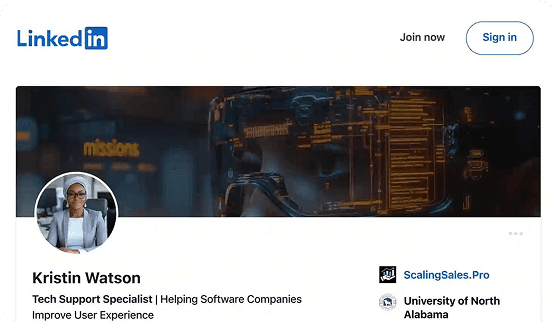
A weak headline can make your profile feel unclear even when your experience is strong. CVJury helps you write a headline that can include your role, skill area, target direction, industry, and value.
Weak: Open to wrok.
Better: Customer Success Specialist | SaaS Onboarding | Client Retention | Helping Users Get Value Faster
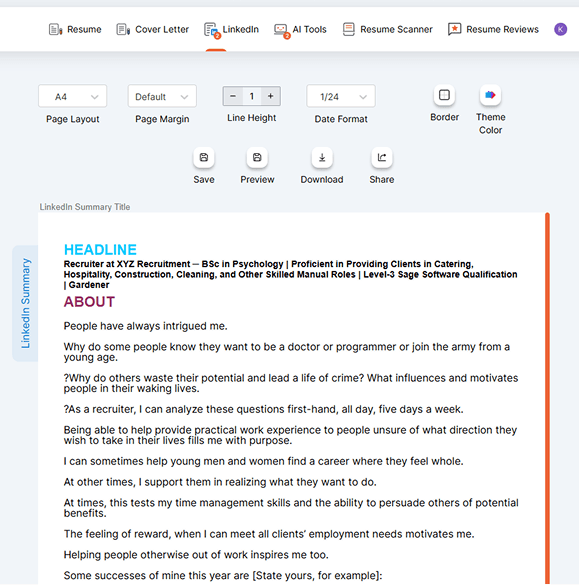
Write An About Section That Sounds Like A Real Person
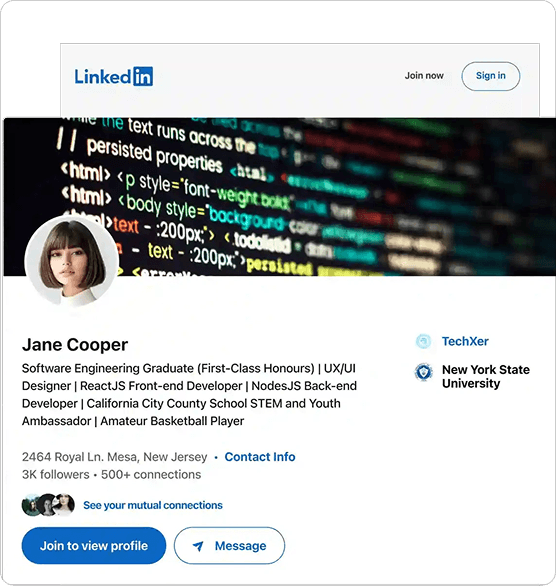
Your LinkedIn summary should not feel like a copied bio. It should help the reader understand your background, strengths, proof, and next direction.
Turn Resume Details Into Profile Copy
Your resume and LinkedIn profile should support the same story, but they should not read the same way.
Managed customer onboarding and handled support tickets.
I help customers move from sign-up to confident product use by improving onboarding, answering support questions, and spotting where users get stuck.
- It sounds more natural.
- It explains value.
- It shows how the work helps users.
- It is easier for a profile visitor to understand.
Get A Second Check Before You Publish
Use CVJury expert support if you want your LinkedIn profile checked for clarity, role fit, and alignment with your resume.
Our writers are CPRW-certified and BACVW members.
Over 200 LinkedIn profiles reviewed and rewritten.
Get My LinkedIn Profile Reviewed →
LinkedIn Profile Builder FAQs
Build A LinkedIn Profile That Feels Clearer Before You Publish
Start with your resume. Choose your LinkedIn goal. Build your headline, summary, and profile story inside CVJury.
4.9/5 on Google • Over 200 LinkedIn profiles reviewed and rewritten